
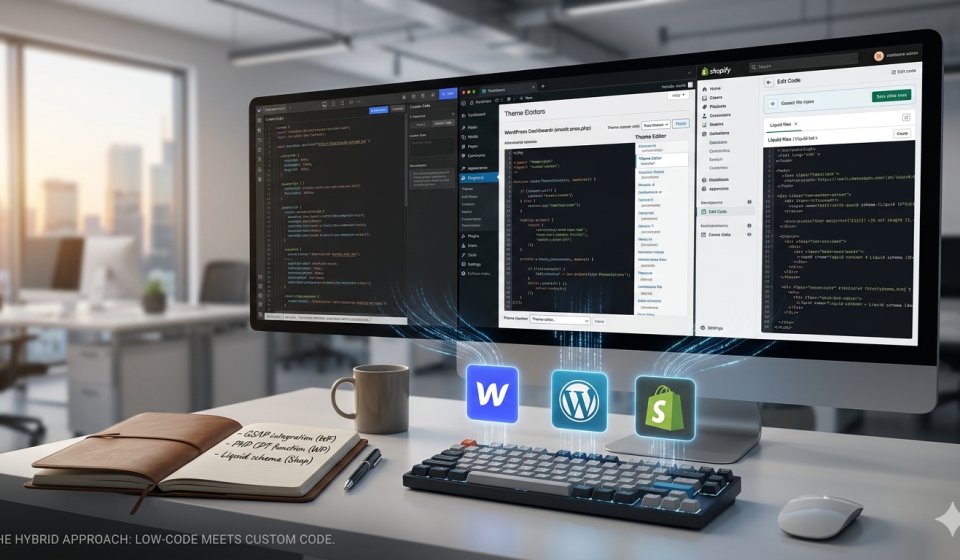

Breaking the Template: The Power of Custom Code in Modern CMS Platforms
In the early days of “no-code,” this thing was simple that you have to build a website without seeing a line of syntax. But as the web was dissolved into an era of complicated interactions, we reached a new consensus in 2026. The very powerful websites are not strictly “no-code” or “full-code” they are just hybrid.
It doesn’t matters that you are using Webflow, WordPress, or Shopify, there comes a moment when the built-in settings is needed. That is where custom code becomes your competitive advantage.
1. Webflow: Enhancing Visual Power with JavaScript
Webflow is the best tool for designing the front end, but its “logic” is mostly visual. Custom code is the best way to go when you need to do more than just standard animations.
The Use Case: Adding advanced GSAP (GreenSock) animations or connecting to third-party APIs that Webflow doesn’t support by default, like a custom real-time weather widget or a complicated filtered search.
2. WordPress: The “Function.php” vs. Plugin Debate
You own every line of code in WordPress because it is open source. Plugins are what make up the ecosystem, but modern developers like custom snippets better because they don’t want “plugin bloat.”
The Use Case: You can register a Custom Post Type (CPT) for a specific thing, like “Client Case Studies,” or add a custom security header.
The Implementation: Instead of putting code directly into your theme’s functions.php file (which gets wiped during updates), 2026 best practices say to use a Site-Specific Plugin or a special “Code Snippets” manager.
To protect your custom WordPress code from SQL injection, always use Nonces and functions like sanitize_text_field() to clean up your code.
3. Shopify: Mastering Liquid and the Storefront API
Shopify is a “walled garden” compared to WordPress, but it offers a powerful templating language called Liquid.
- The Use Case: Creating a custom “Buy X, Get Y” logic on the product page that isn’t supported by your theme’s standard settings, or building a headless storefront using the Shopify Storefront API.
- The Implementation: You edit code directly in the Theme Editor (under “Edit Code”). For deep logic, developers now use Shopify Functions to inject custom backend logic into the checkout process—something that used to be restricted to Shopify Plus users.
- Pro Tip: Use Schema tags within your Liquid files to allow non-technical store owners to edit your custom-coded sections via the visual “Customize” sidebar.